Free ChatGPT Images 2.5 AI Image Generator and Editor
Create a new picture or edit one reference photo with Free ChatGPT Images 2.5 on OpenMaker. Write your prompt and choose from nine aspect ratios to frame the result. Try unlimited image generations, 100% free with no signup required.
GPT Image Tools and API Access
Choose a free GPT Image page for browser-based creation, or follow the Flaq API entry for OpenAI GPT Image model access. API usage is priced separately from the free browser tool.
Explore the 2.5 Image Update
OpenAI describes improved detail, edit precision, and preservation of subjects across changes in 2.5. Try the free 2.5 generator with a prompt or one reference to explore those changes for your own visual brief.
Read OpenAI’s Images 2.5 introductionExplore Reference Edits and Image Ideas with Free ChatGPT Images 2.5
Browse generated-image examples to plan your subject, style, and composition. Use a prompt or one reference photo as the starting point for your own variation.
Image Examples 1–2
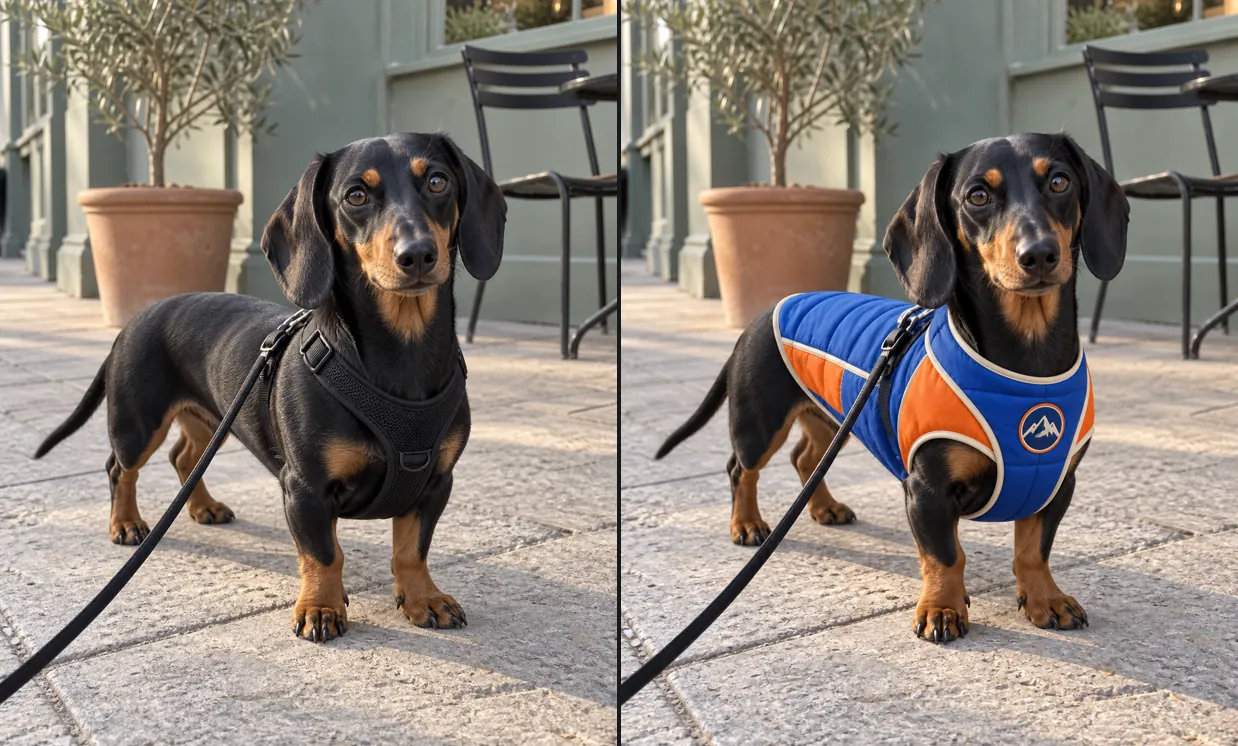
GPT Image 2.5 image example 1
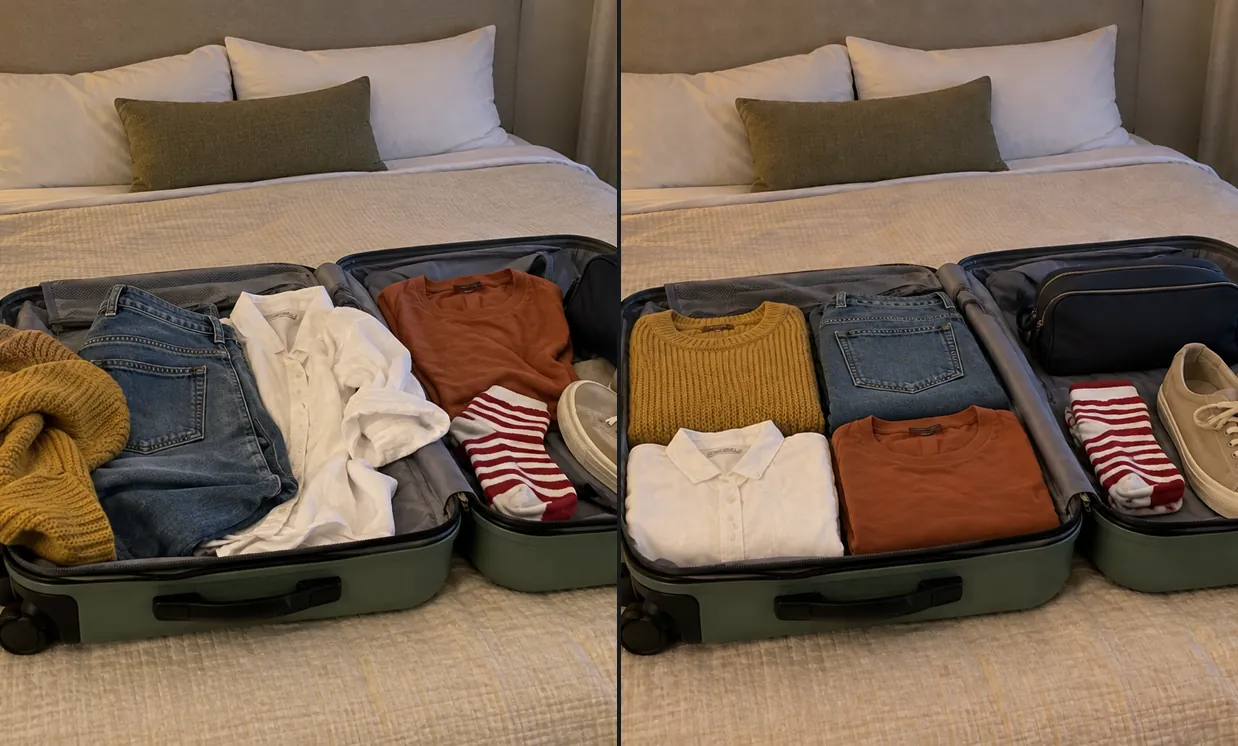
GPT Image 2.5 image example 2
Image Examples 3–4
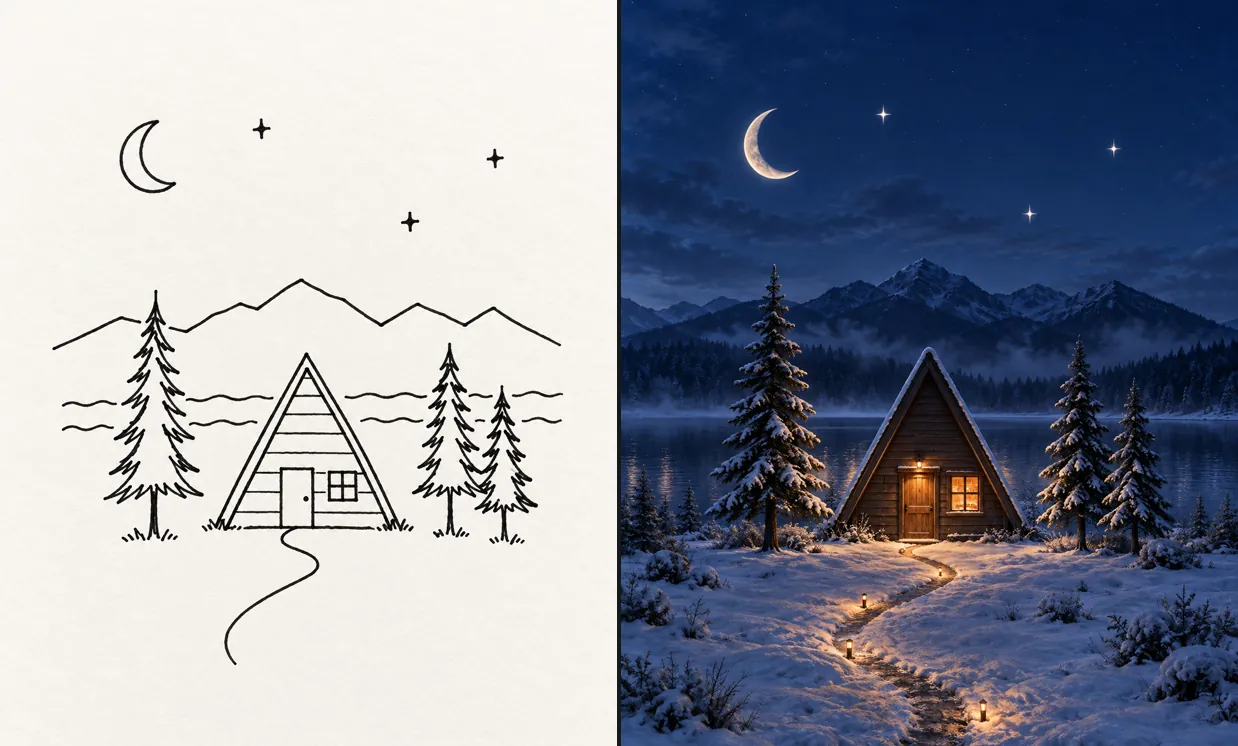
GPT Image 2.5 image example 3
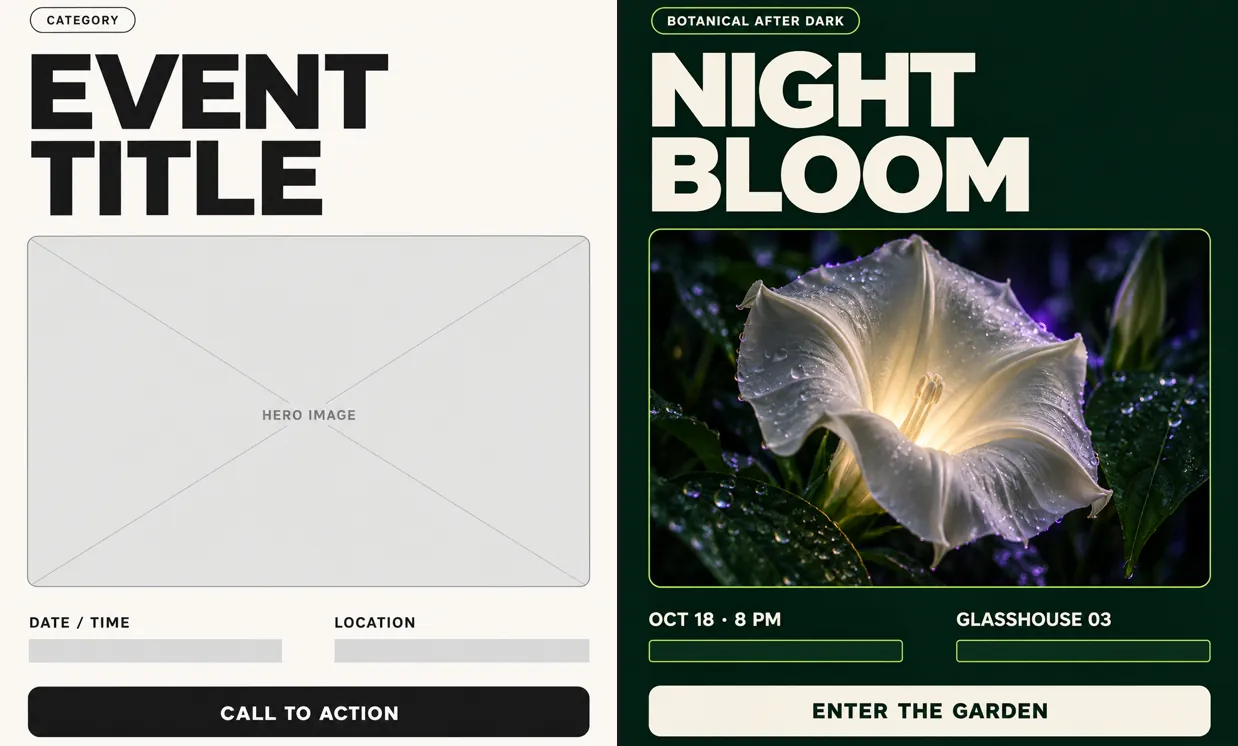
GPT Image 2.5 image example 4
Shape a New Image or a Focused Edit with Free ChatGPT Images 2.5
Describe a scene from scratch or use one reference image to guide an edit. Set the aspect ratio, generate a version, and inspect the details you asked to change or retain.
Compose a Picture from a Brief
Name the subject, setting, and arrangement you want to see. For a product concept, describe the surface, lighting, and empty space needed around the item.
Make an Edit from One Reference
Upload one photo and explain the requested change. Specify the details to preserve, such as the subject’s appearance or the position of a product.
Choose from Nine Aspect Ratios
Set a wide, square, or portrait frame to match the intended composition. Choose the ratio before generation so your brief starts with the right shape.
Inspect the Result before Saving
Preview the generated image and check the requested changes alongside the reference. Download a useful result or revise your prompt to explore another version.
Try Free ChatGPT Images 2.5 with No Signup Required
Explore your next image idea with Free ChatGPT Images 2.5 on OpenMaker. Start without an account, guide the image with a clear prompt or one reference, and download the variations you prefer.
Use the Image Form for Free
Generate pictures without spending credits in this free form. Try a new composition or an edit before exploring separate advanced image tools.
Skip Account Setup
No signup is needed to start an image request. Enter the brief and any reference, then generate from the browser.
Iterate without a Total Count Cap
Unlimited free generations give you room to revise a visual direction. Use each preview to identify a specific change for your next request.
Keep the Reference in Your Brief
An uploaded photo provides a starting point for the image edit. Pair it with instructions about subject, background, and style to make your intended change clear.
Plan Product, Social, and Story Visuals with Free ChatGPT Images 2.5
Create an image around a specific project brief: a product setting, graphic composition, storyboard scene, or mood study. Use a reference when an existing subject should guide the result.
Upload a product photo and request a different surface or background. Compare the generated composition with your reference before choosing a campaign direction.
Test a Product Setting
Describe bold paper shapes, a central subject, and the colors of your concept. Choose a square or portrait frame for the layout you plan to develop.
Build a Social Graphic
Write a brief for one scene, such as a traveler reaching a forest clearing. Use the generated image to discuss framing and atmosphere for a storyboard.
Illustrate a Story Moment
Describe a landscape with a low horizon, pale mist, and restrained colors. Generate a visual reference to compare with the other images in your mood board.
Explore a Mood Board Palette
How to Use Free ChatGPT Images 2.5 on OpenMaker
Write the scene or edit you want, add one reference if needed, and set the aspect ratio. Generate and review the picture before downloading.
Write a scene or a focused editing request
Optionally add one reference and choose the aspect ratio
Generate, compare the result, and download
Choosing Inputs and Reviewing Results with Free ChatGPT Images 2.5
Free ChatGPT Images 2.5 Prompt Resources
Browse the linked ChatGPT Images 2.5 prompt collections. Adapt an idea to your subject, composition, and lighting before trying it in the image form.